
CS 1.6 on your phone — in the browser, no app
Play Counter-Strike 1.6 on Android and iPhone: open the site in your phone browser and press “Play”. Same servers as players on computers.
Controls
- Left half of the screen — movement (your finger works like a joystick), right half — looking around.
- Fire, jump, crouch, reload, scope and weapon buttons along the screen edges.
- At the top — buy, team, chat and scoreboard.
- Play in landscape or portrait — the buttons rearrange when you rotate.
iPhone: full screen
Safari on iPhone does not give websites full screen. Add the site to your Home Screen (Share → Add to Home Screen) and start the game from there — it opens full screen.
What you need
A modern phone and browser (Chrome on Android, Safari on iPhone). The first visit downloads about 150 MB of game files — Wi-Fi is better.
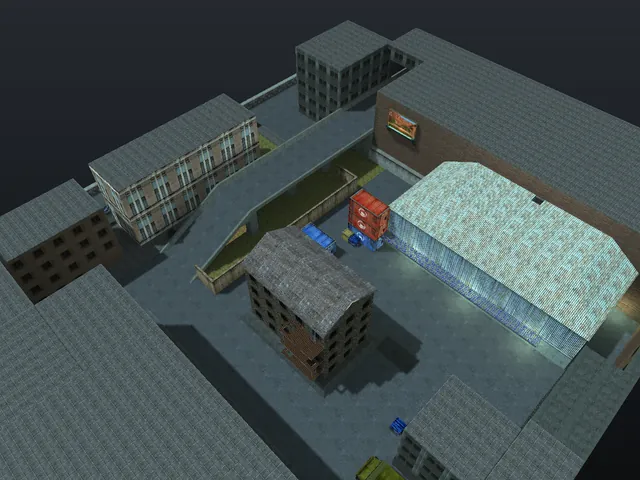
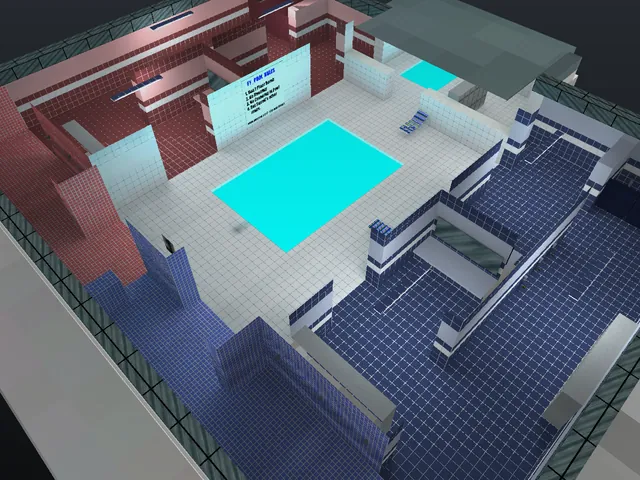
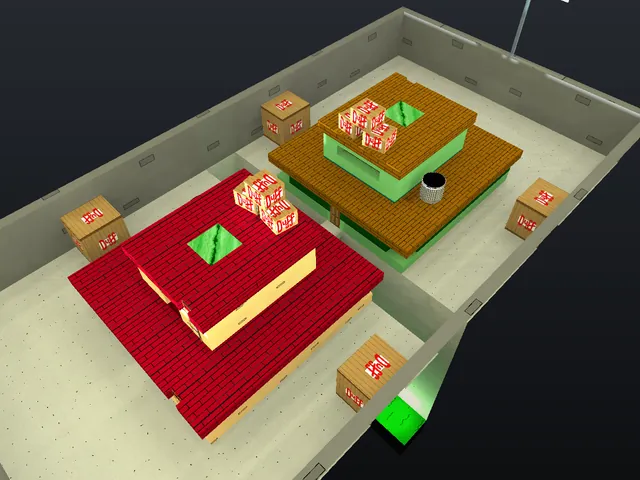
Servers now
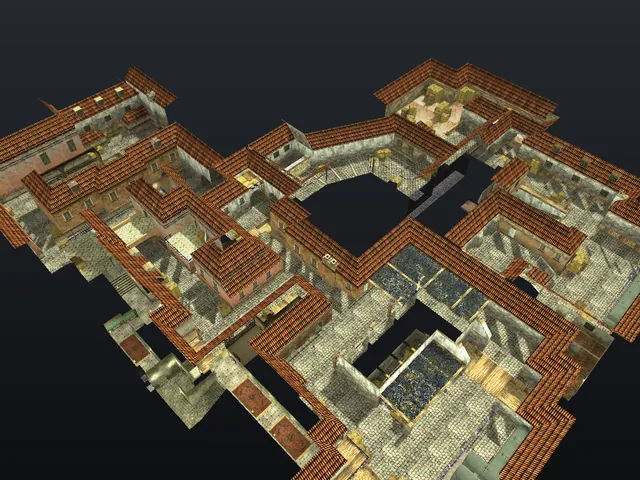
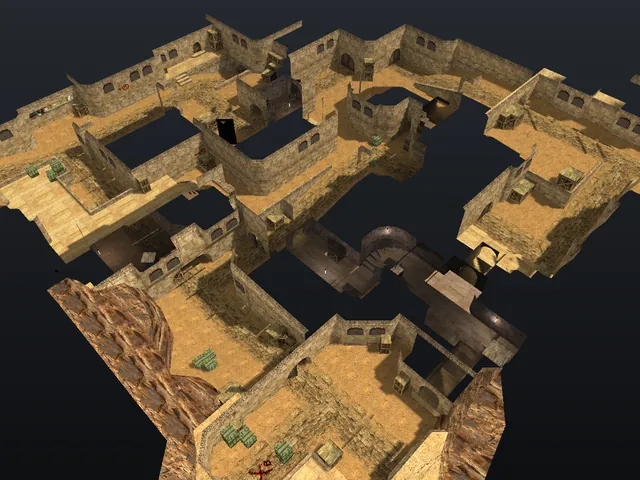
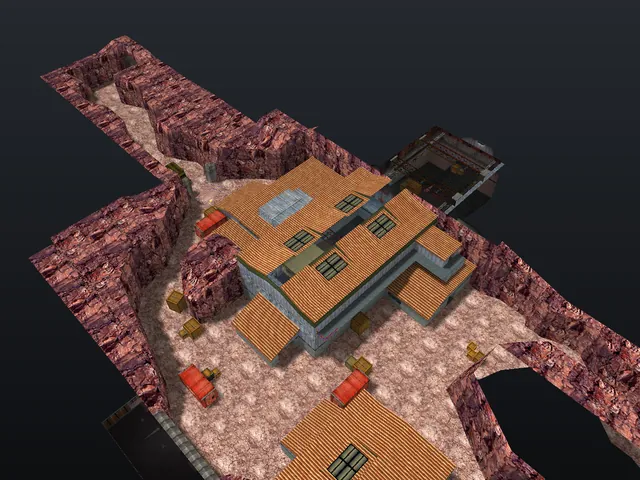
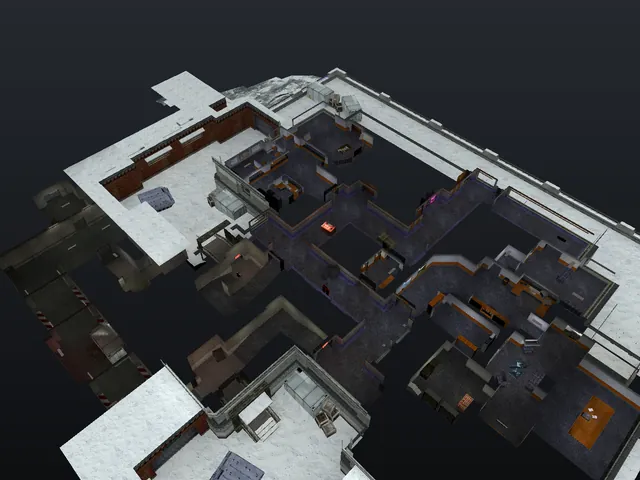
Questions and answers
Do I need to install an app?
No, the game runs in the phone browser. For full screen on iPhone add the site to the Home Screen.
Can I play against people on computers?
Yes, servers are shared: phones and computers play on the same servers.
Why does the game lag?
Close other tabs and apps and check your connection. On weaker phones turning off battery saver helps.
Do cheats work on phones?
Yes. Cheat servers have an “Aim” button, and the wallhack and other cheats work just like on a computer.